In order to ensure integration partner content is engaging and aiding decision making processes for Clio law firms, please ensure you follow the following guidelines and best practices in your screenshot creation.
Technical recommendations
- If possible, use a retina quality display (> 300 pixels per inch) for taking screenshots.
- If taking screenshots of a mobile app, take screenshots on a modern phone model (e.g. iPhone 7 or later).
- Do not add phone chrome around your app screenshot. This can date your application and makes it difficult to reuse in the future.
- If taking screenshots of a web-based application, we recommend using Google Chrome for your screenshots.
Visual Settings
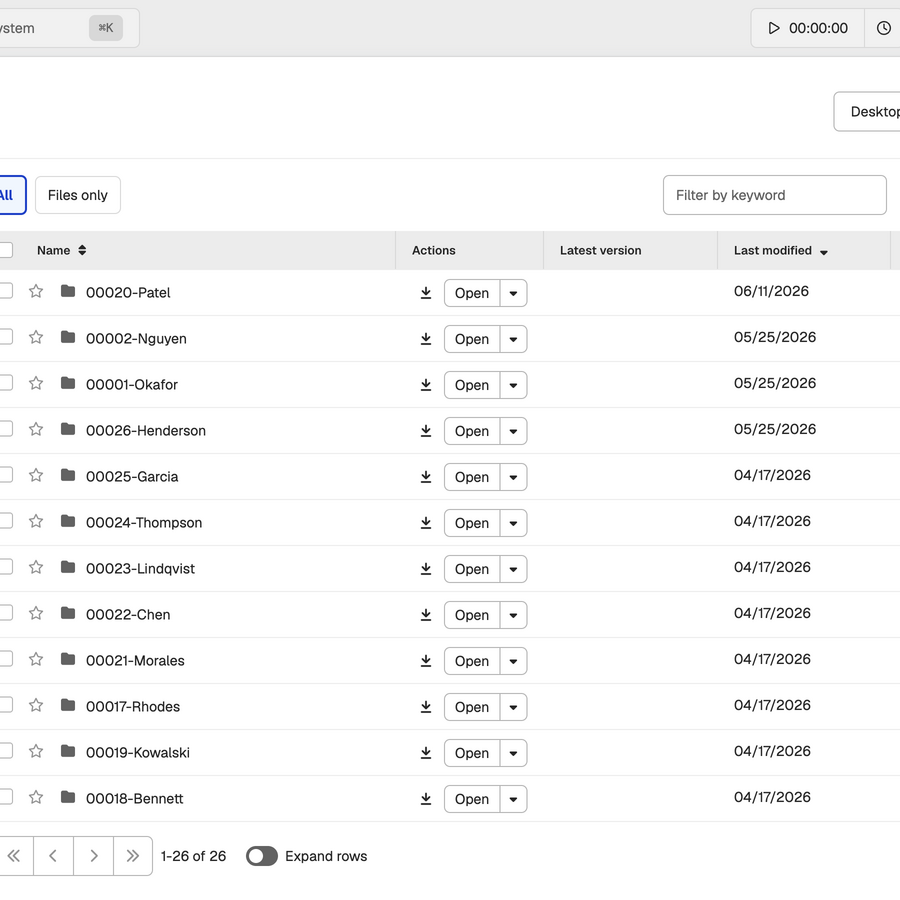
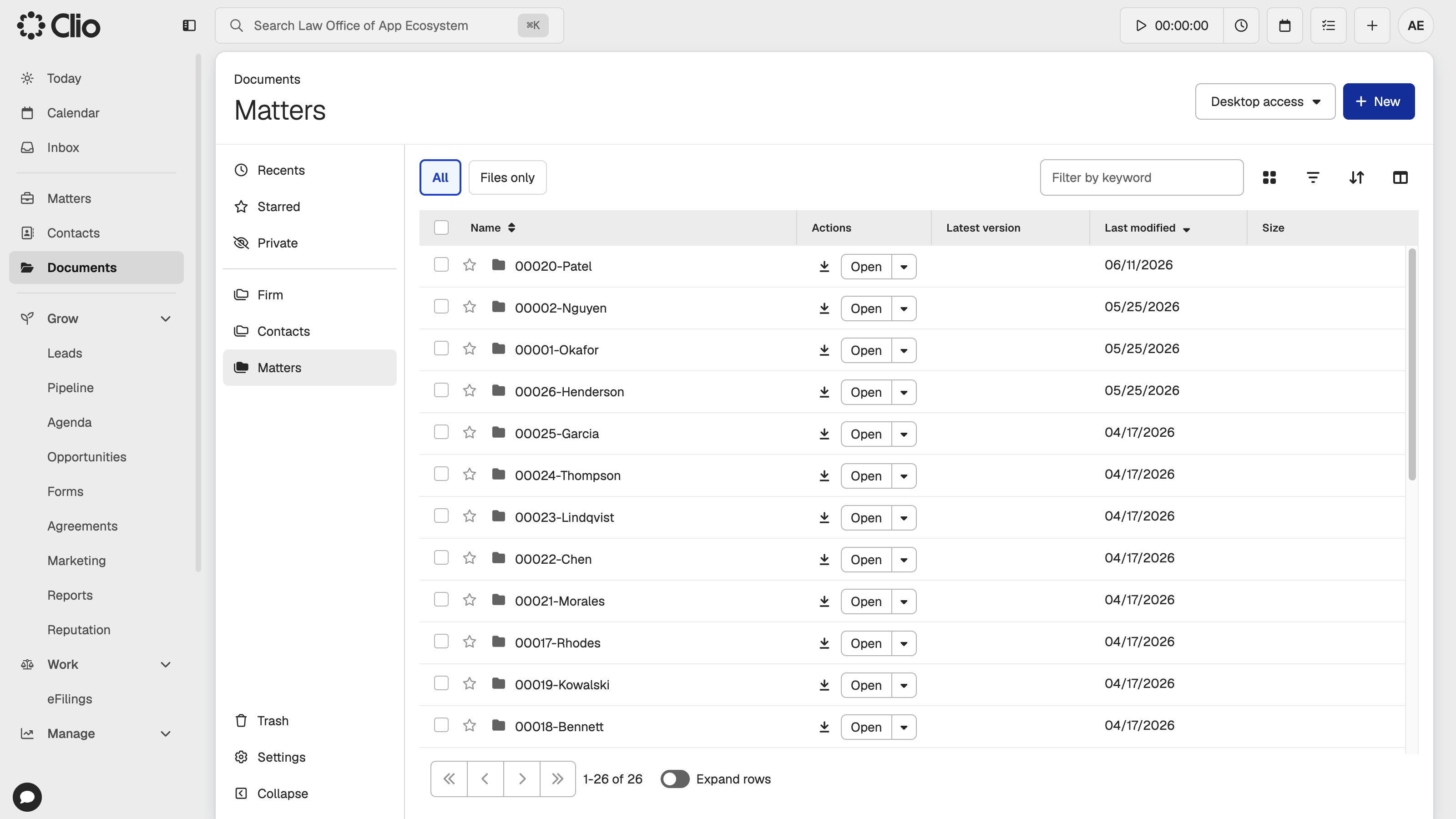
- Set density to max levels.
- Set browser zoom to 110-125% or more.
- If taking screenshots of a web application, use a 16x9 aspect ratio. These tools can help create a consistent for aspect ratio: Chrome fullscreen screenshot plugin, Giphy CAPTURE desktop app, or Windowresizer Chrome plugin.
Bad example
Good example
Content recommendations
- Use screenshots to tell a story that relates to your user persona.
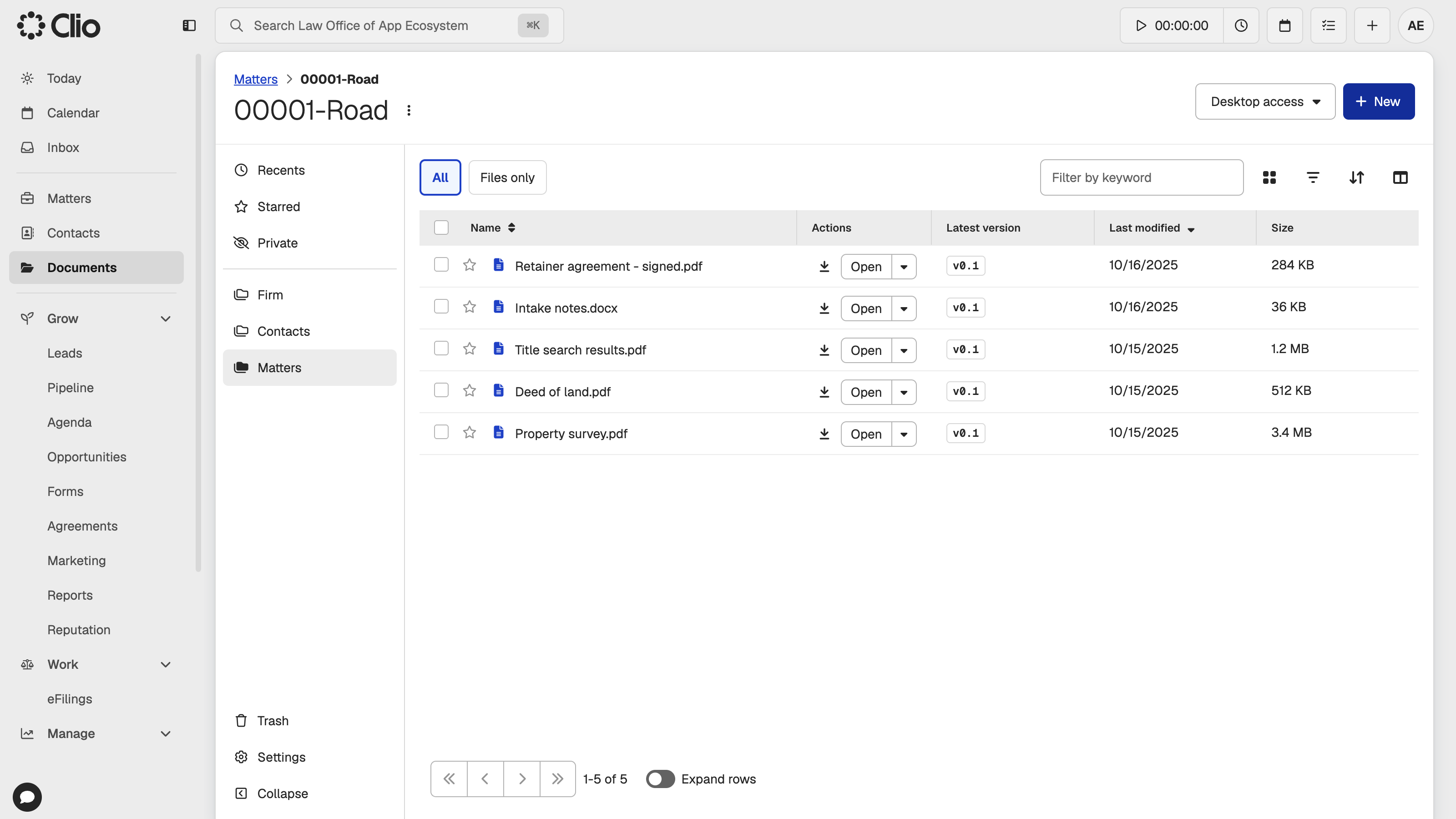
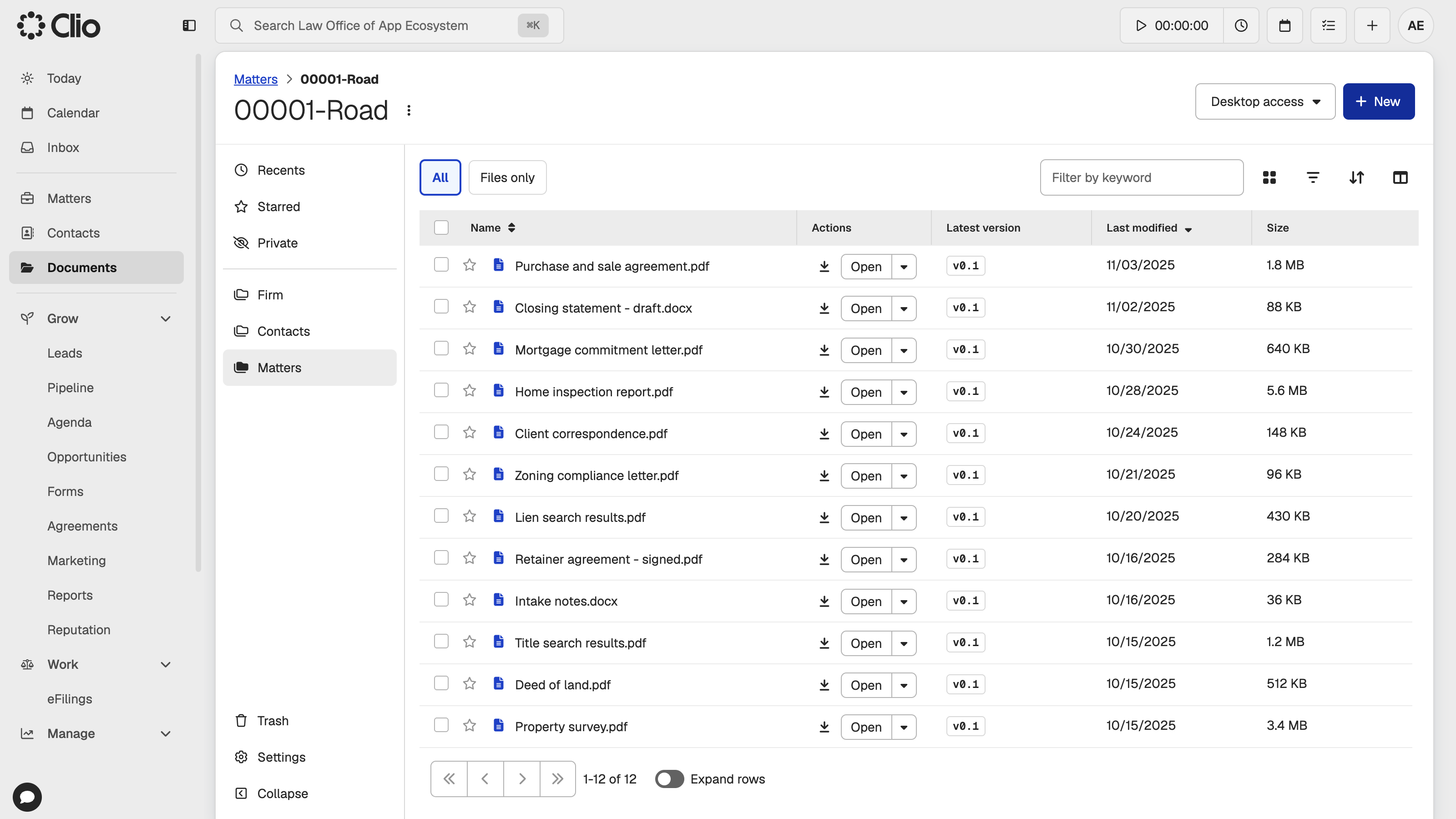
- Avoid screens that feel empty. Add data to your test accounts before taking a screenshot to feel more realistic to our customer’s experience.
- Avoid pop-culture aliases, developer accounts, and gibberish. Use up-to-date and realistic data for the use case.
- Redact, blur, or black out any potentially sensitive information.
Bad example
Good example
Feature Recommendations
- Clearly highlight key features and workflows that align with your value propositions.
- Help people understand what outcomes can be derived or what value your integration will bring for their firm.
- Do not show the installation process. This is not a purchase consideration.
- Highlight the points of integration with Clio – how does integrating with Clio enhance functionality and the customer’s experience?
- Showcase compatibility with workflows of Clio law firms.
- Do not include Clio competitor logos in screenshots.
Bad example

Good example

Related pages
Building your appDeveloper security and data guidelinesPopulating your Clio Manage account with sample dataRecommended Security Tools for 3rd Party DevelopersBuilding private appsClio Manage and Clio Platform APIsExample API ApplicationGet a Developer AccountRegionsClio Certified App ProgramLaunch and Grow Your AppApp Directory Listing GuidelinesEdit your application's listing in the Clio App DirectoryFeaturing your app within Clio ManageDemoing your Integration with ClioResources for launching your integration